GUIDE
How to take a good photo of your pet for a portrait
Updated
Use a sharp, well-lit photo where your pet faces the camera and both eyes are in focus. Daylight near a window works best. Plumwood Pets needs at least 600 pixels on the short side, and asks for another photo if the face is hidden, blurry, too dark or washed out.
These are the photo rules we use for “Your pet, painted”, our portraits made from your photo. Digitally painted with the help of AI and checked by us — never hand-painted. The photo matters most, and you don't need a special camera: a phone is plenty.
Only have old, dark or blurry photos?
Upload the best one you have. If we can't paint a good portrait from it, we'll email you within 24 hours of your order to ask for another, and if no usable photo arrives within 7 days of that email, we refund your whole order in full. If it's the only photo you have, reply to that email: we'll look at it again ourselves, tell you honestly whether we can paint from it, and can give you more time to find another. For a pet who has died, see “Old photos of a pet who has died” below.
What makes a photo work
A photo works when we can see your pet's face clearly. We check four things:
- Size. At least 600 pixels on the short side. Almost any photo straight from a phone camera is much bigger than that.
- The face. Eyes and nose in view (ears too, if you can), not hidden by a paw, a toy, a blanket or another pet.
- Sharpness. Not blurry, especially around the eyes.
- Light. Not too dark, and not so bright that your pet's colors look washed out.
Our portraits show the head and shoulders, so the face matters more than the rest of the body. Use a photo of the one pet you want painted: each portrait shows one pet.
Examples at a glance
| The photo | What happens |
|---|---|
| Face toward the camera, window daylight, both eyes sharp | Works well |
| Taken from above, but the eyes, nose and ears are clear | Can work; eye level is better |
| Bright window behind the pet, face in shadow | We ask for another photo |
| Blurry from movement, eyes smudged | We ask for another photo |
| Dim evening light, face hard to make out | We ask for another photo (too dark) |
| A screenshot or a copy from social media, under 600 pixels on the short side | The product page tells you right away; upload the original photo |
Light: find a window
Soft daylight is the easiest light for pet photos. Put your pet near a window during the day and stand with the window beside you or behind you, so the light falls on their face.
- Turn the flash off. Flash flattens fur and can make eyes glow.
- Avoid strong light behind your pet. A bright window or sky behind them turns the face into a dark shape.
- Skip harsh midday sun outdoors. Open shade, or a cloudy day, keeps colors true and stops squinting.
- Watch for colored light. Warm lamps at night can make a white dog look yellow.
- Black or dark coat? What matters is seeing the eyes and the shape of the face, and daylight shows them best.
- Behind glass? For a lizard or another pet in a terrarium, hold the phone close to the glass so reflections don't cover the face.
Eye level and framing
Get down to your pet's level. A photo taken from above makes the head look big and the legs small, and it hides the chest and chin.
- Hold the phone at your pet's eye height, about an arm's length away.
- Fill most of the frame with the head and shoulders. Leave a little space around the head.
- A plain background helps, but it isn't required.
Sharp eyes
The eyes are what make a portrait feel like your pet, so they need to be in focus.
- Tap the screen on your pet's eyes before you take the photo, so the phone focuses there.
- Get their attention just above the lens. A treat, a toy or a quiet squeak often gets a pet to look up at the camera for a second.
- Use a burst of photos if your pet won't sit still, then pick the sharpest one.
- Check by zooming in on the eyes before you upload. If the eyes or the fine details around them look smudged, try another photo.
True colors and markings
We paint the colors and markings we can see, so the photo should show them as they really are.
- No filters, beauty modes or heavy edits. They change your pet's colors and smooth away markings.
- Show the markings that matter. If your dog has a white blaze on one side of the face, or your cat has one orange ear, choose a photo where you can see it.
- Pick a recent photo if your pet's look has changed with age, unless you'd rather remember them younger.
Before you upload
- Upload the original photo, not a screenshot or a copy saved from social media or a messaging app. Those copies can be much smaller.
- Pet small in the picture? Upload the original rather than a cropped copy, which can be too small. If the face is too small to make out, we'll email you to ask for another photo.
- JPEG, PNG, WebP or HEIC files up to 20 MB are fine, and photos straight from an iPhone work.
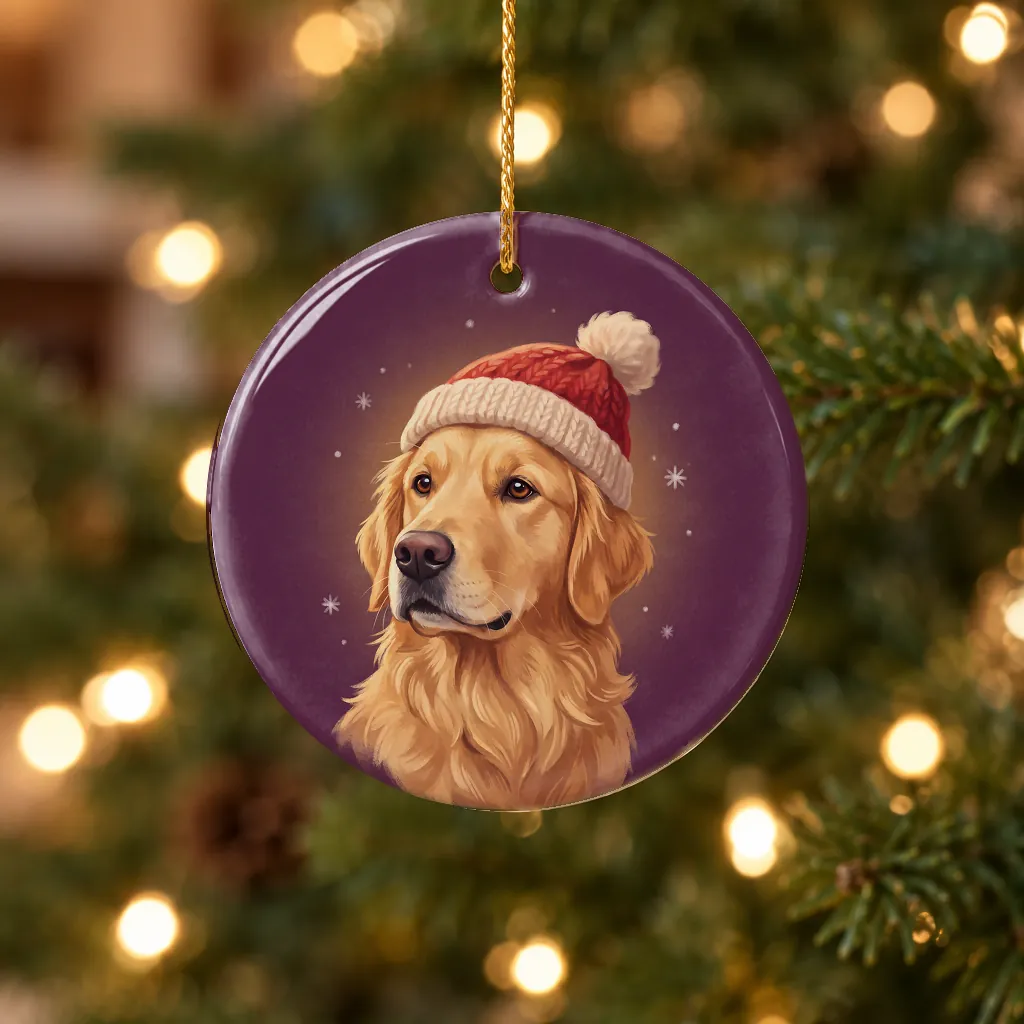
- One photo per pet. For two pets, the ornament 2-pack takes two photos, one for each ornament. We don't make two-pet portraits.
- It has to be your photo to share. When you upload, you tick a box to say you took it or may use it. If you're making a gift, ask the person who took the photo.
Photos we can't use, and what happens then
If a photo is under 600 pixels on the short side, the product page tells you right away, before you order. If it's too blurry, too dark, washed out, or doesn't show the face, we can't make a good portrait from it: we'll email you within 24 hours to ask for another photo, with tips like the ones on this page and a link to upload it. We paint only from photos uploaded on our site, never from photos sent by email.
If no usable photo arrives within 7 days of that email, we cancel your whole order and refund you in full.
Old photos of a pet who has died
When a pet has died, the photos you have are all there is, and that's all right. Choose the clearest one where you can see the face, even if it isn't perfect. An older photo can work well if the face is sharp.
If the photo is a printed one, photograph it flat in daylight, straight on, with no glare, and fill the frame with the print. If you have no photo that works, and one of our 31 looks is close to their breed and coat, a ready-made portrait with their name is a gentle alternative.
What happens after you order
- Your proof by email within 24 hours — usually the same day.
- Approve it, ask for one free change, or choose a full refund.
- We print it when you approve it, or as shown if you don't reply. Each gift is printed in 2–5 business days, then shipped free in about 4–5 business days to a US address (ornaments take longer: our print partner usually ships them from Latvia).
If you don't reply, we send reminders at 24 and 72 hours. The second one says the proof will print as shown 24 hours later unless you ask for a change or a refund; the product page explains the reminders and the automatic print before you buy. For proofs we email from December 1 to December 24, 2026, it's quicker: one reminder, and we print the portrait as shown 24 hours after we email the proof, unless you ask for a change or a refund first. Your proof email says so and gives the time.
For Christmas, order photo portraits by Thursday, December 3, 2026, and approve your proof by Tuesday, December 8. For a ceramic ornament, order by Thursday, November 19 and approve its proof by Tuesday, November 24. Our Christmas order-by dates have the dates for each holiday.
What we do with your photo
We remove location data from your photo when it arrives. We use it to make your order, and for nothing else without your written OK. Our image services process it to make and check your portrait, and we look at it too. Our privacy policy explains how our image services and print partner handle their own copies. We delete it within 60 days after delivery, within 30 days after an order is cancelled or refunded, and within 10 days after upload if you don't order. We never use your photo or your pet in our ads or on our site without your written OK. The full details are in our privacy policy.
Ready? Start your photo portrait.
Questions and answers
What size does my photo need to be?
Your photo needs to be at least 600 pixels on the short side. Almost every photo taken with a phone camera is bigger than that; screenshots and copies saved from social media or messaging apps can be smaller, so upload the original. The product page tells you right away if a photo is too small.
Can I use an old or slightly blurry photo?
Yes, if the face is visible and reasonably sharp. If we can't make a good portrait from it, we'll email you within 24 hours to ask for another photo, and if no usable photo arrives within 7 days of that email, we refund your whole order in full.
Can you put two pets in one portrait?
No. Each portrait shows one pet. For two pets, the ornament 2-pack takes one photo per pet and makes one ornament for each.
Will I see the portrait before it's printed?
Yes. You get your proof by email within 24 hours, usually the same day. You can approve it, ask for one free change, or choose “Refund me instead” on your proof page for a full refund of the whole order, including any other gifts in it. If you don't reply, we send two reminders, and the second says the proof will print as shown 24 hours later unless you ask for a change or a refund. For proofs we email from December 1 to December 24, 2026, we send one reminder and print the portrait as shown 24 hours after we email the proof, unless you ask for a change or a refund first.
Will you use my pet's photo in your ads?
Not without your written OK. We use your photo to make your order, remove its location data when it arrives, and delete it within 60 days after delivery, or within 30 days if the order is cancelled or refunded.